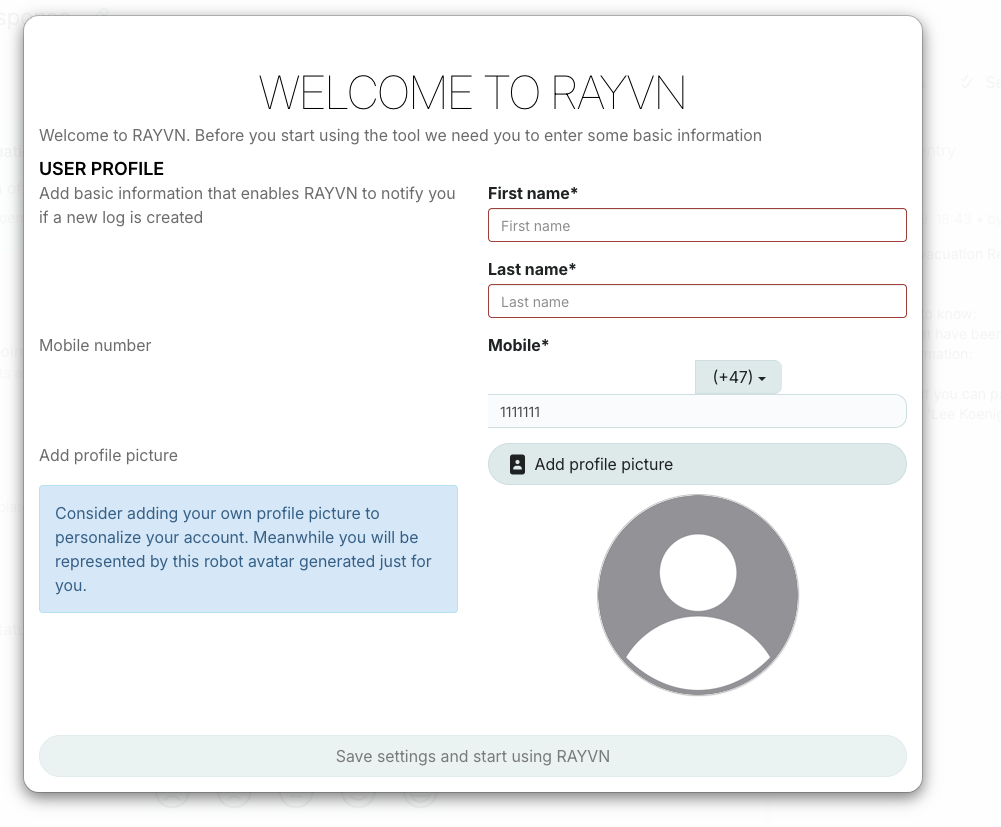
When logging into RAYVN for the first time, a pop-up window will appear. Fill in the required fields and click 'Save settings and start using RAYVN '. You can update this information at any time.
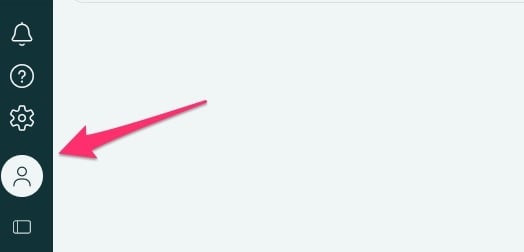
To update your profile settings later, follow these steps:
1. Click on your name in the lower-left corner.
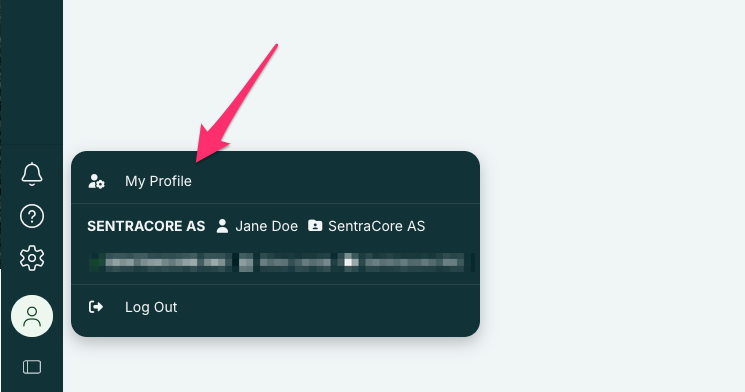
2. Then, click on “My Profile”.
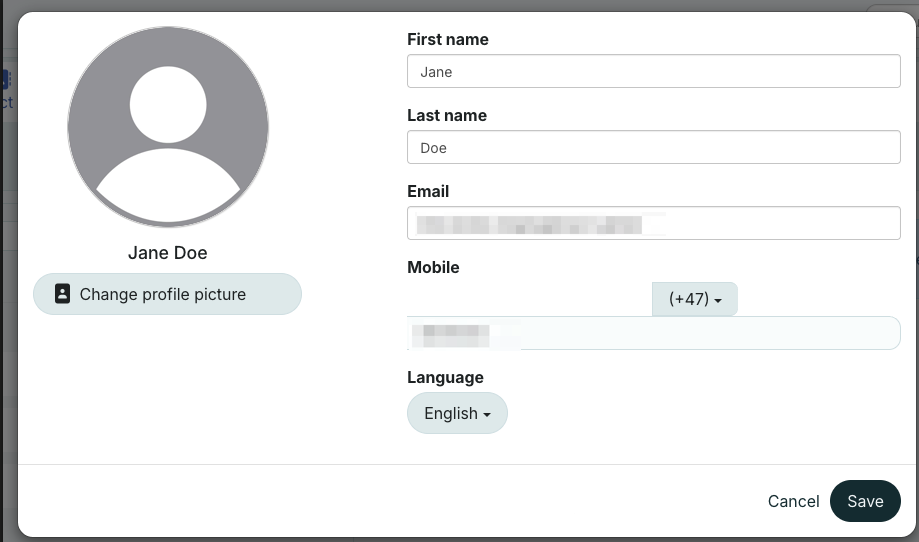
3. Update your profile
- Check that your first name, last name, and mobile number are registered correctly.
- Make sure to select the correct country code.
- Specify your language
- You may also replace the profile picture by clicking on the button “Change profile picture”.