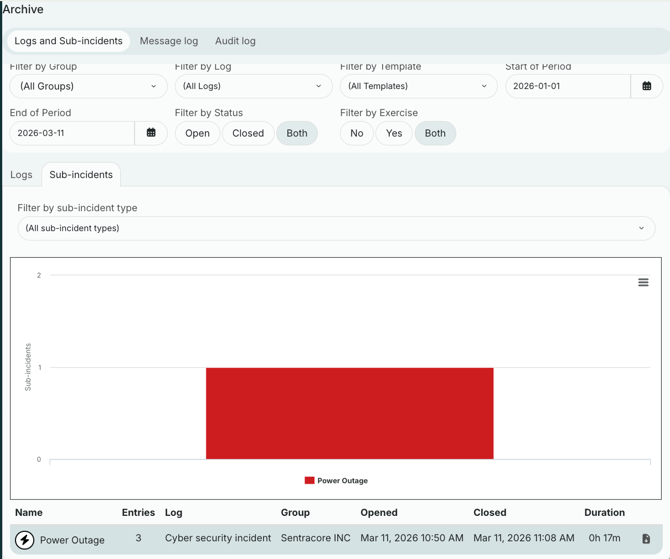
Even though information from sub-incidents captured in the main log, it can be necessary to have a separate log report for your sub-incidents. This article will show you how to download them.
When a sub-incident has been closed, you can download a report. Click on "Show closed subincidents".

In the list of closed sub-incidents, you can click "Download log". This will generate a report from the sub-incident that you can download and use for documentation or evaluation.
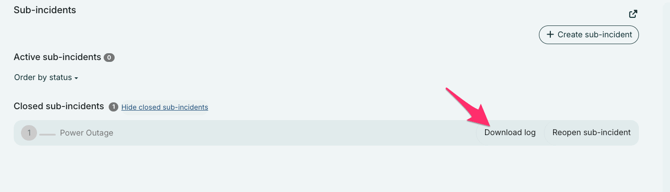
As you can see, you can also open closed sub-incidents by clicking "Reopen sub-incident".
It is also possible to get reports from sub-incidents by using the Archive. The archive collects all closed logs and sub-incidents, and you can use a filter to find specific logs or sub-incidents. For example sub-incidents of a specific type within a certain date period. And also separate sub-incidents from regular logs and sub-incidents from exercise logs.