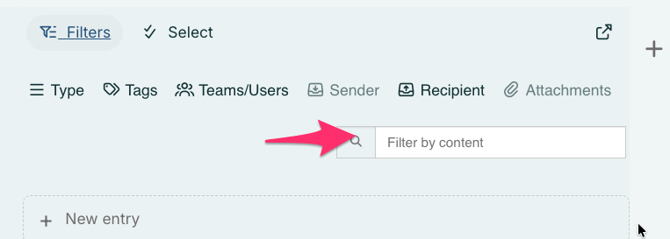
As an incident unfolds, a lot of information gathers in the log feed. To make it easier to find information that has been published in the log feed, we have therefore developed a filter that lets you find specific information and remove what you don't need to see.
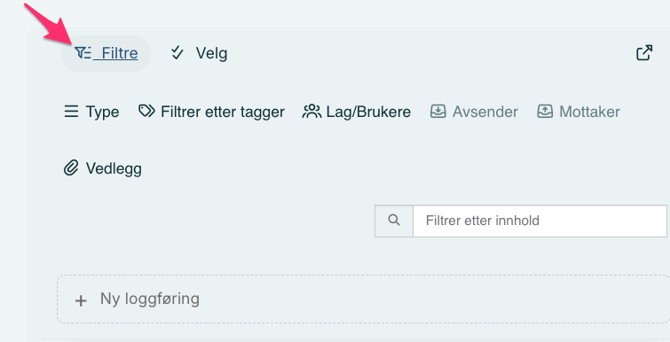
You can filter entries in the log feed by clicking on "Filter" located above the text box where you create a new log entry. When you click the filter button, you will see six options:
- Type – Filter log entries by ordinary, hidden, and system entries.
- Tags – Filter log entries by tags.
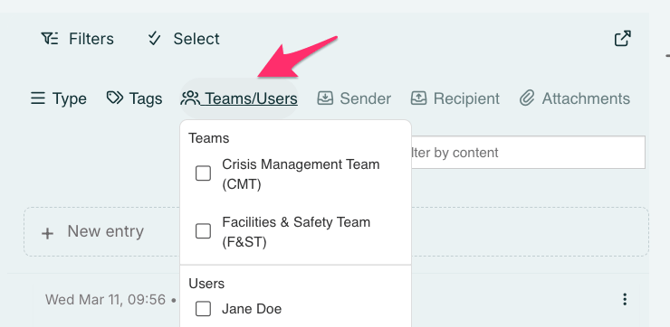
- Teams / Users – Filter log entries on behalf of either teams or users.
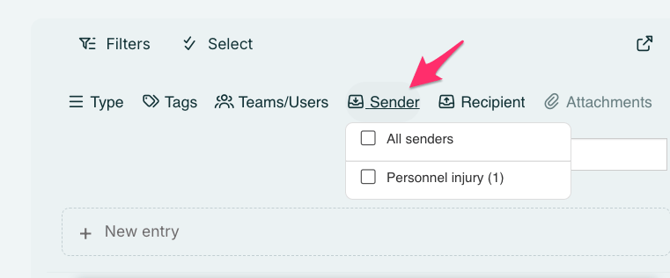
- Sender – Filter incoming log entries by sender.
- Recipient – Filter outgoing log entries by recipient.
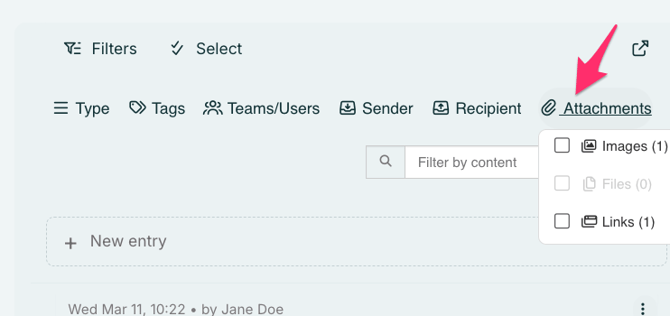
- Attachments – Filter log entries that contain attachments.
- You can also filter by content by searching for keywords in the text box
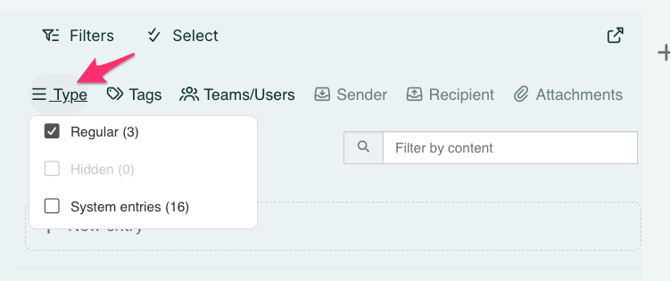
Filter by type
Filter the log to show regular entries, hidden entries, or system entries. The system entries will display all actions taken in the log, including adding teams, deleting tasks, and more.
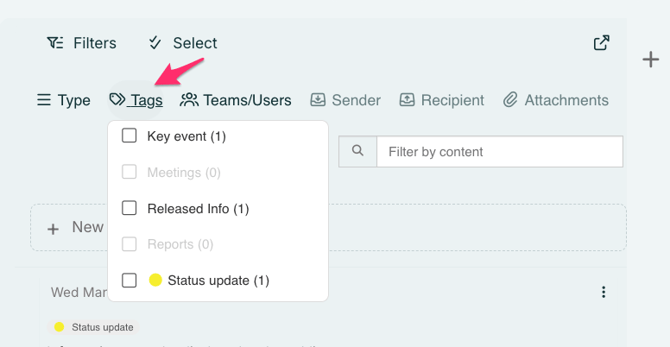
Filter by tags
You can filter log entries by RAYVN’s standard tags, such as Key Events, Meetings, Released Information, and Reports.
Your custom tags will also appear here. These can be created either in your Account Settings, or directly from a log entry by adding a new tag on the fly.
Filter by teams/users
You can also filter log entries by Users that has posted log entries, or all the log entries posted by participants in a specific team.
Filter by sender
Filter the log feed by selecting a specific sender. This allows you to find log entries shared from different rooms, other active logs, and from stakeholders.
Filter by recipients
Filter the log feed by selecting a specific recipient. This allows you to find log entries you’ve shared to different rooms, other active logs, and to stakeholders. 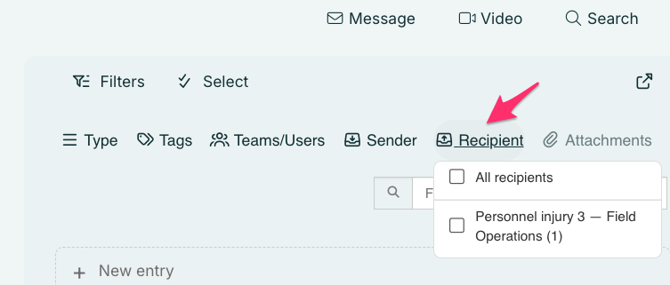
Filter by attachments
Filter the log to show only entries that contain images, files, or links.
Filter by text
You can also filter using the search tab. Just enter a keyword, and matching entries will appear.