
A site in RAYVN can be anything from your organization’s headquarters to a known building, factory, or the place where an incident has occurred. Sites you create in RAYVN are saved, so you can easily use them again later. You can create as many sites as you need.
To manage the Sites go to the Account settings, and click "Sites."
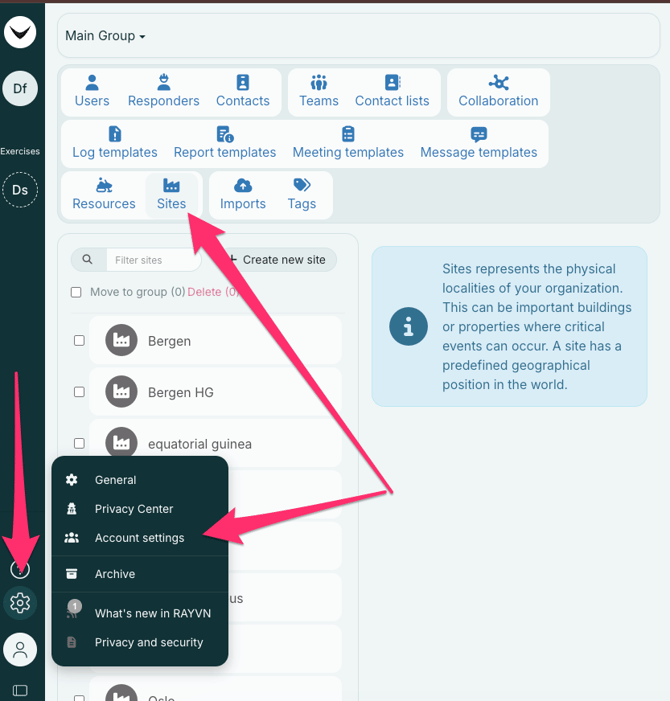
To create a new site, click "+ Create new site".
Type in the name of the site and use the map to find the location. You can also assign the site to a group. For physical sites, you should also add the location by entering the address or by entering GPS coordinates.
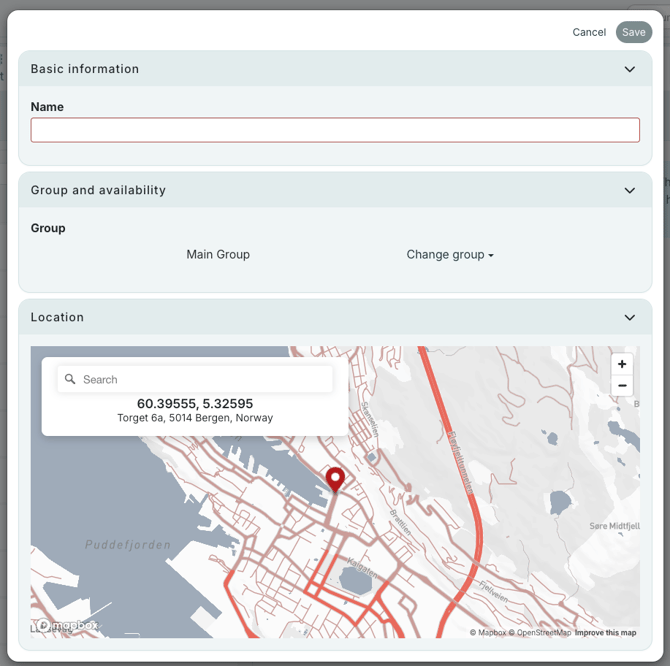
Press Save, and the location will be listed in Sites. Repeat the process if you are creating more sites.