
If you are collaborating with a stakeholder in an active log, you can ask them for a status update. Requesting a status update helps you get the exact information you need, when you need it, without waiting for the stakeholder to share it on their own. It's a quick way to close information gaps and keep everyone working from the same up to date picture.
You can request a status update from the log you have been added to, by going to the "Current status" field in the log, entering the name of the status you want to request, and clicking the three dots next to the value field.
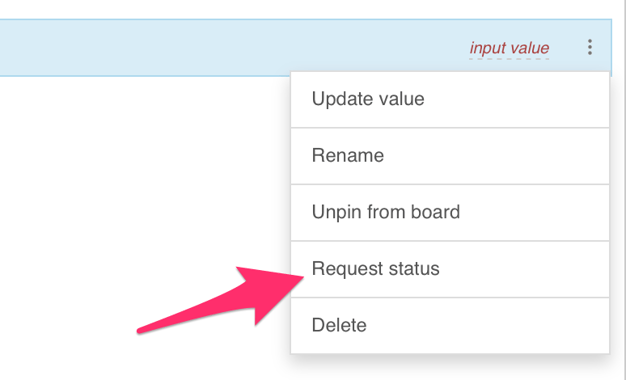

Here you will find the "Request status update" option. When you click that, the entire status field you have requested will turn yellow, and the team you sent the request to will receive a notification that you have requested a status update.
They can then input the value of the status request, and submit it. After you have requested a status update, you cannot change the value of that status field.