This article is relevant to you if you have the responsibility of managing the users in your account, or if you have a user access.
If covers two ways to change the password of a user:
- If you are an admin and need to help one of your users with changing their password
- If you are a user who wants to change their own password.
How to send a password change request for another user
If one of the users in your account forgets their password, or for security reasons should be changing their password, you as an admin can send then a request for changing passwords.
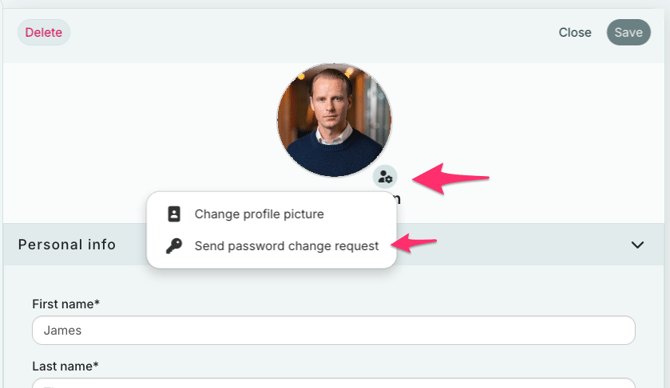
- Go to Account settings
- Select the user in question
- Click on the person-icon next to the name
- Select "Send password change request"
How to send a link to your own user to set a new password
If you are trying to log in and have forgotten your password, you can also request RAYVN to send you a reset-link for your password, so that you can set a new one.
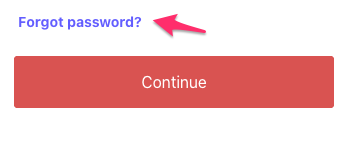
On the login page, select "Forgot password?", and check your email for the link.
Click the link to set your new password.