
You can update your profile with your personal information in the app. From the Dashboard, you can tap on the profile image, or by tapping on the top-right menu, and choose "Profile".
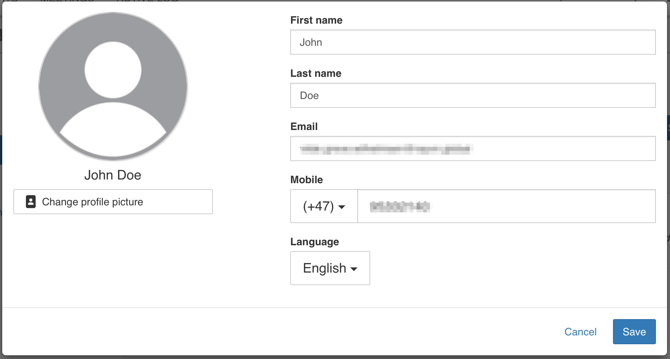
Check that your name and mobile phone number are correct. If not, correct it and "Save".
If you haven't set a profile image, you can do so by tapping on the image in the profile. You will then be asked if you would like to take a photo with your mobile phone, or if you would like to choose an existing photo from your phone.