
When your organization has added the Next of kin module in RAYVN, you must start by creating a Next of kin team.
Go to your Account settings, Teams, and click "Create new team".
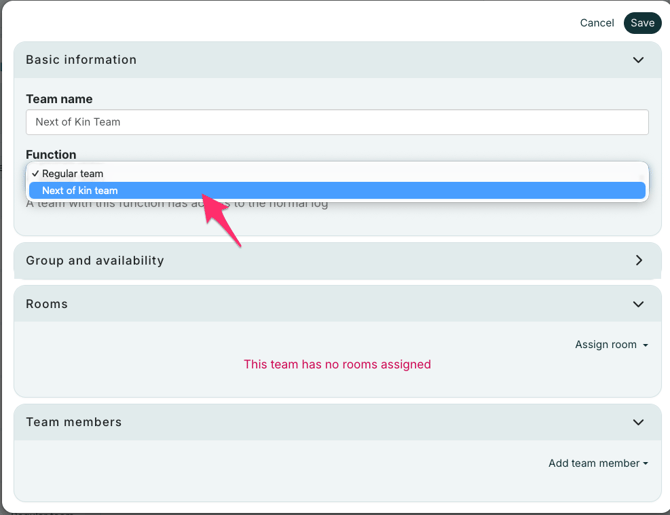
Define the name, then select the function as "Next of kin team".
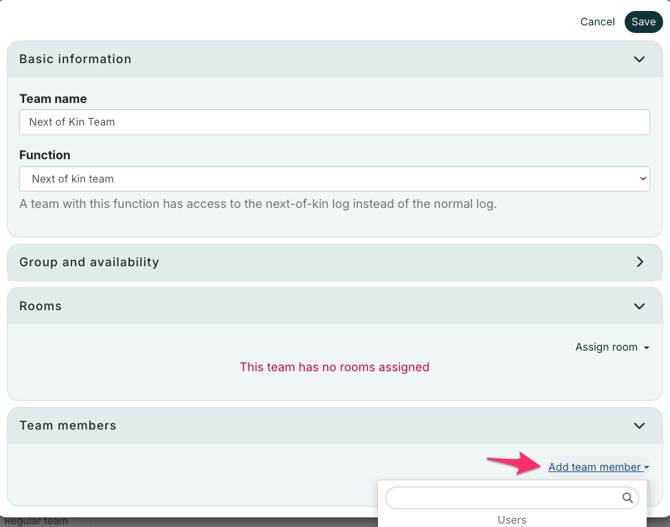
Then you can add members to the team.
Members of the NOK team are the only ones with access to the Next of Kin Center. They will not have access to the full log. They will only see the log entries labeled "Released information", as well as all listings of phone calls and contact with the Affected persons that the NOK teams add.