
Availability either limits or expands the possibility of using content across multiple groups in your hierarchy. Choose between local, regional or global availability for all of your content.
Availability in RAYVN controls which groups can use content such as users and meeting templates. It is configured in Account Settings, and only applies to accounts that use a Group hierarchy. If you are not using Groups, availability will not impact your setup.
Availability is added to all elements in Account Settings to either limit or expand the possibility of using content across multiple groups in your hierarchy.
Availability allows users in other groups to access and use content (e.g. users and meeting templates). It does not grant users from other groups the ability to edit that content.
What are the levels of availability in RAYVN?
There are three levels of availability in RAYVN (default is Local):
- Local — Content is only available for users within the same group.
- Regional — Content is available for users within the same group, and all users in their own subgroups.
- Global — Content is available to all users in all groups.
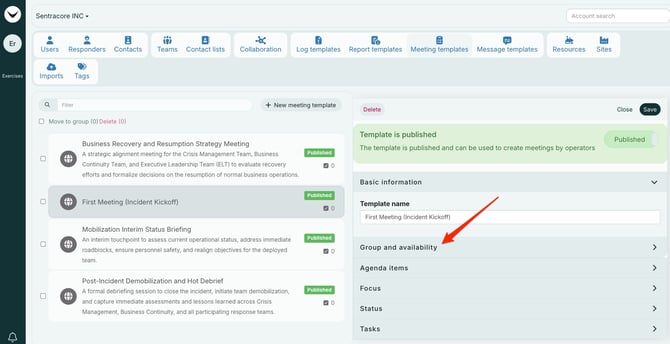
Group and availability are defined on the right side, available throughout all of Account Settings.
Group indicates which group owns the content. Availability indicates how many other groups can use the content.
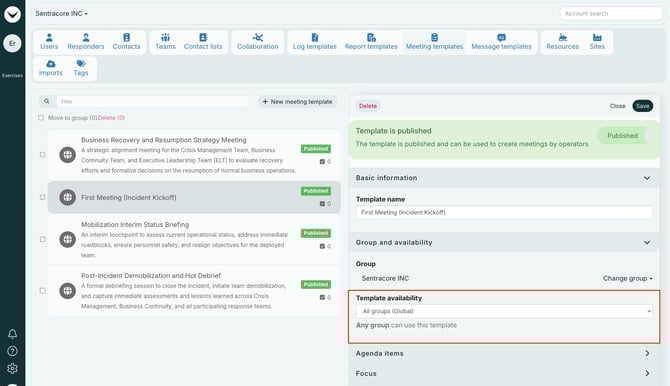
RAYVN provides help text to help you select the correct availability level.
Example: Making a template global
In the example below, a template has been made global.
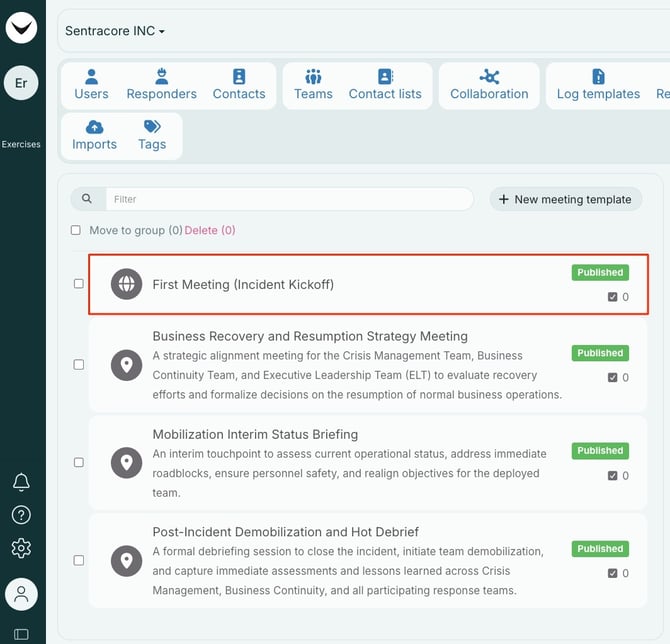
For the group owning the content, an icon will appear indicating the availability level.
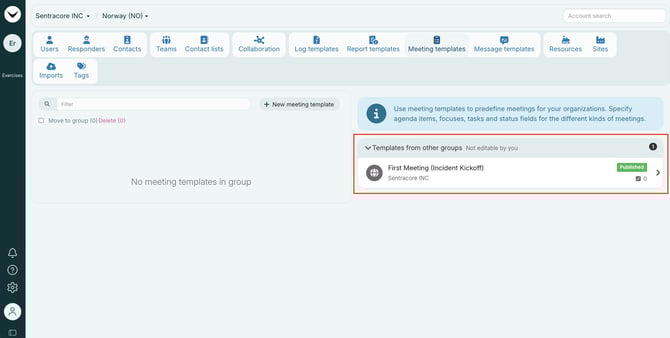
The global meeting template viewed from a subgroup in Account Settings. All content from other groups (regional, global) will be displayed on the right side of the screen. The group content owner is always listed. Details in template is available when clicking it, but it cannot be edited.
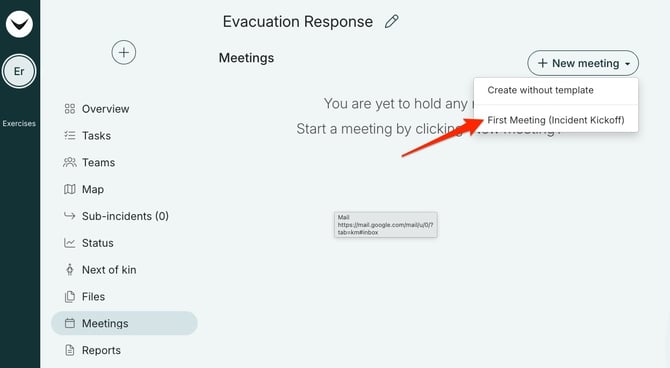
Meeting template available from the active log.
How to change availability To change the availability of a piece of content: 1. Go to Account Settings and navigate to the content you want to update (e.g. Users, Meeting Templates). 2. Select the content item you want to change. 3. Locate the Availability setting on the right side of the screen. 4. Select the desired level: Local, Regional, or Global. 5. Save your changes. Note: Only users with the appropriate permissions in the owning group can change the availability of content. Users from other groups can view and use shared content but cannot edit it.